
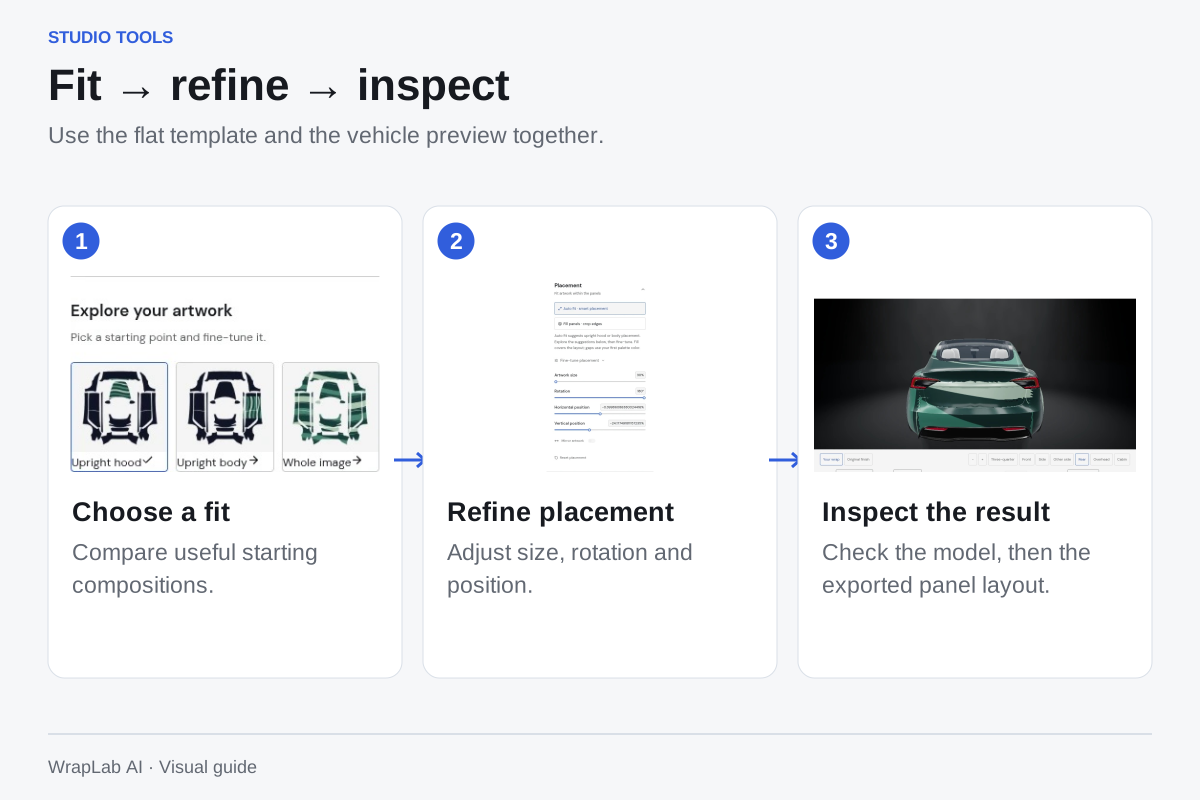
Start with a useful fit
Auto fit offers hood, side and whole-layout starting points for ordinary artwork. White borders are trimmed when detected and scaling preserves the image’s proportions. Use Fill to cover the panels, then return to Auto fit whenever you want another starting point.
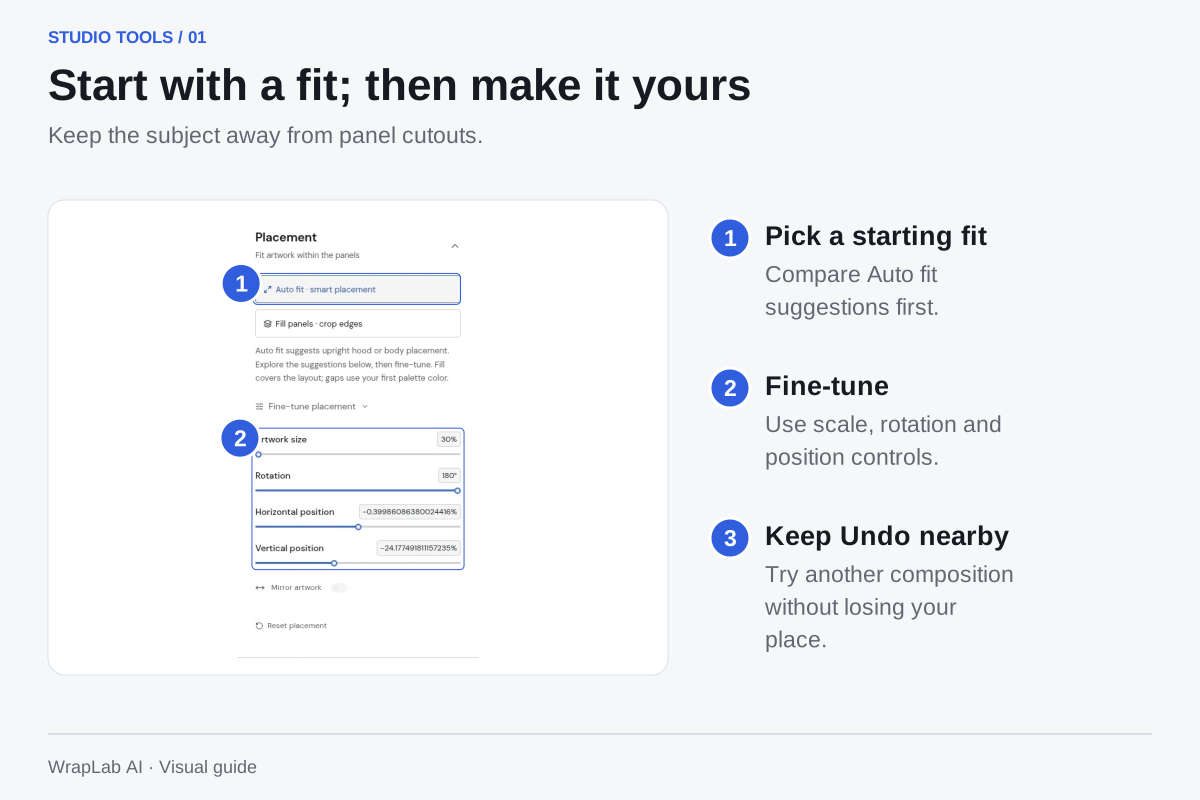
Refine in real time
Drag artwork directly on the canvas or open the fine-tune sliders. Keep Undo nearby while trying scale and rotation. Zoom and full-screen editing help you place a subject away from gaps.
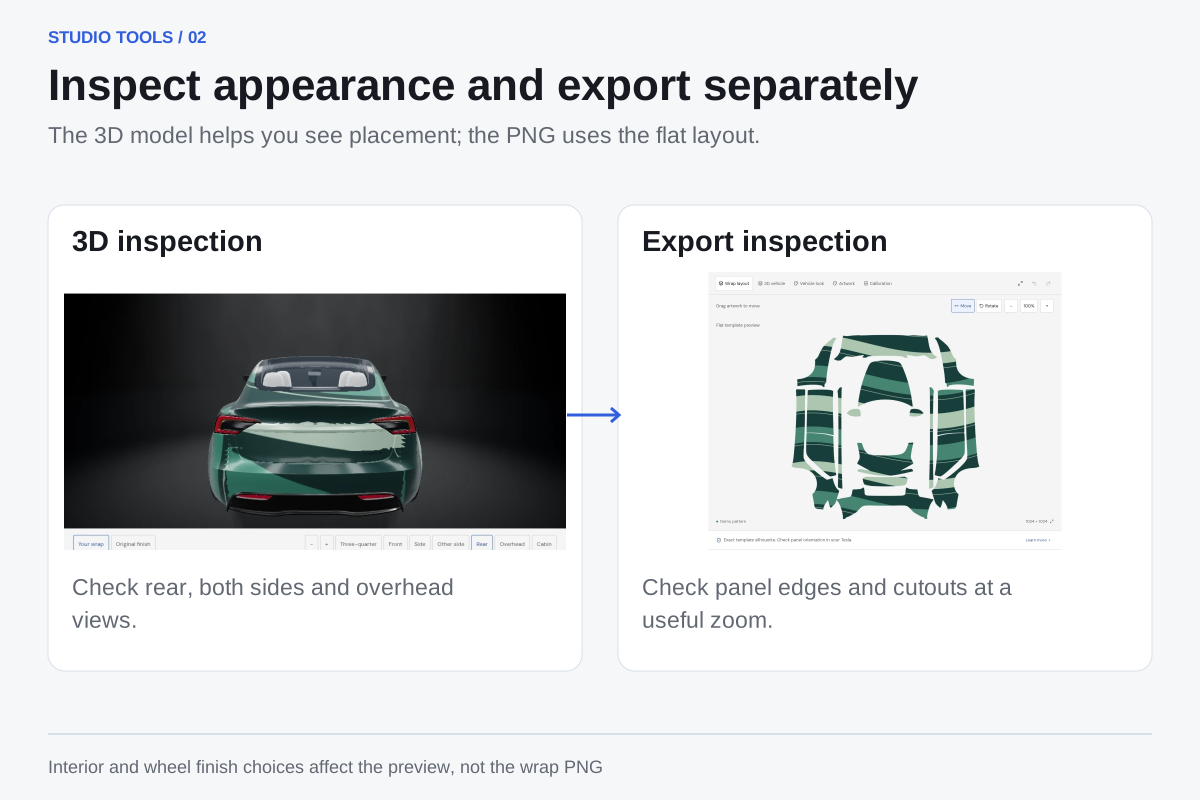
Inspect the actual export layout
Explore the vehicle from both sides, the rear and overhead, then check the official flat template. Interior and wheel finishes are preview choices and do not change your wrap PNG. Model mapping remains approximate, so confirm the final design on your Tesla.
Use a short inspection routine
Check the main subject first, then the edges of each panel. Try both sides because their layout orientation can differ. Original finish gives you a comparison with the car’s unwrapped surfaces. Keep windows, lights and other non-template surfaces out of the wrap concept.
- Compare Auto fit suggestions before fine-tuning.
- Inspect the flat template at a comfortable zoom.
- Check both sides, rear and hood in 3D.
- Save the design and keep a downloaded copy.
See the idea before you commit.
Free uploads and manual editing. Keep your PNG for the screen and your original artwork for the installer.
Create your wrap