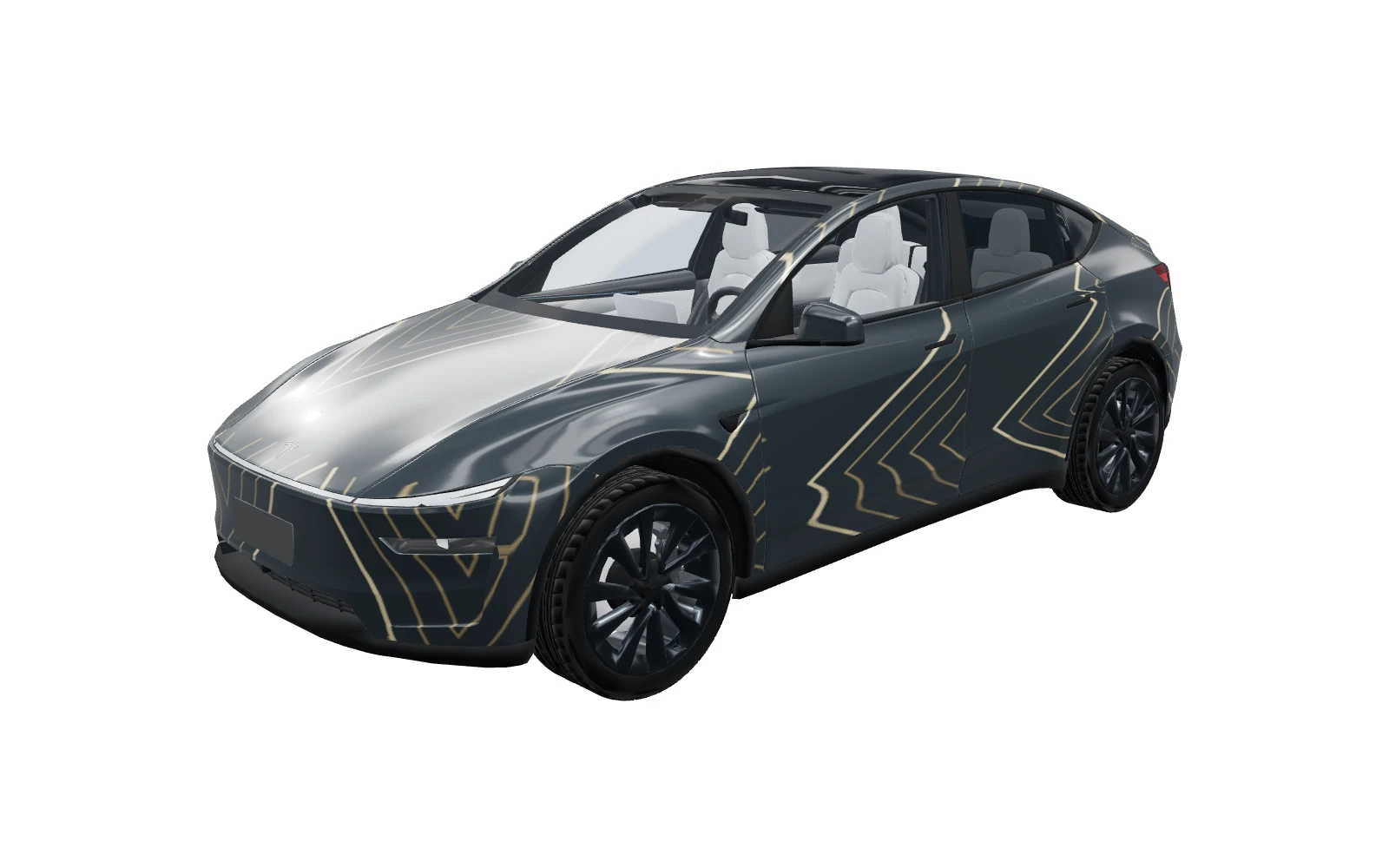
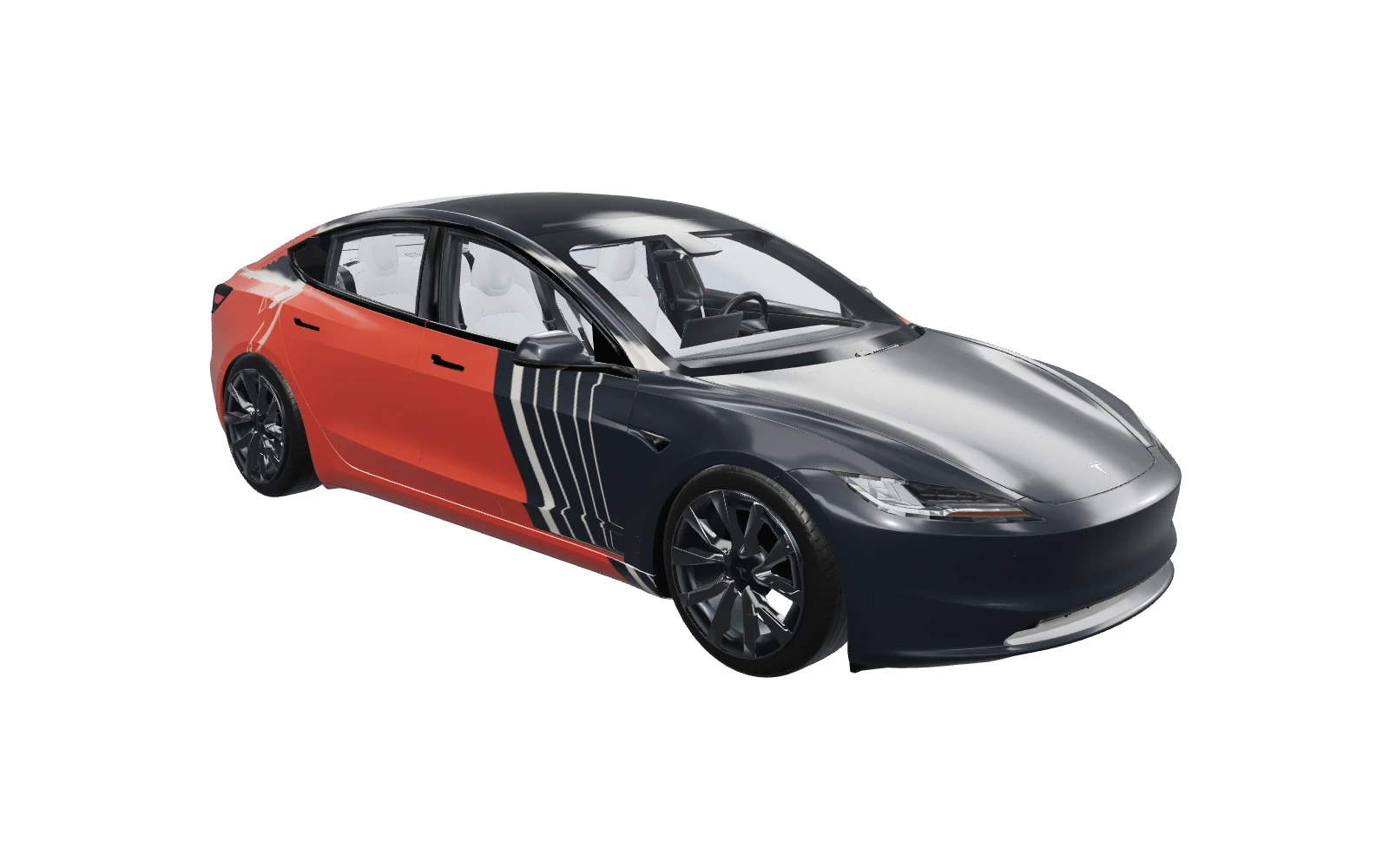
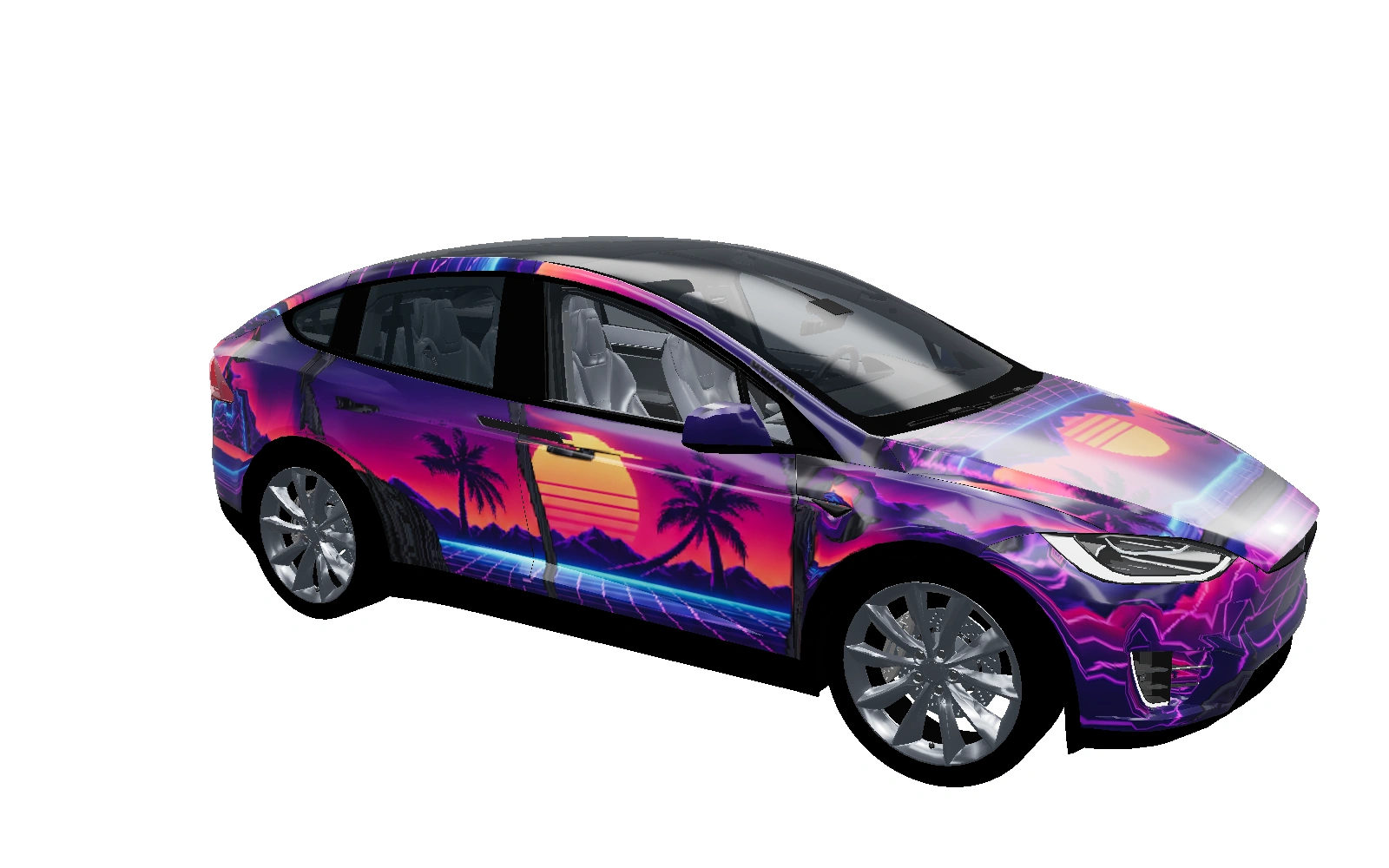
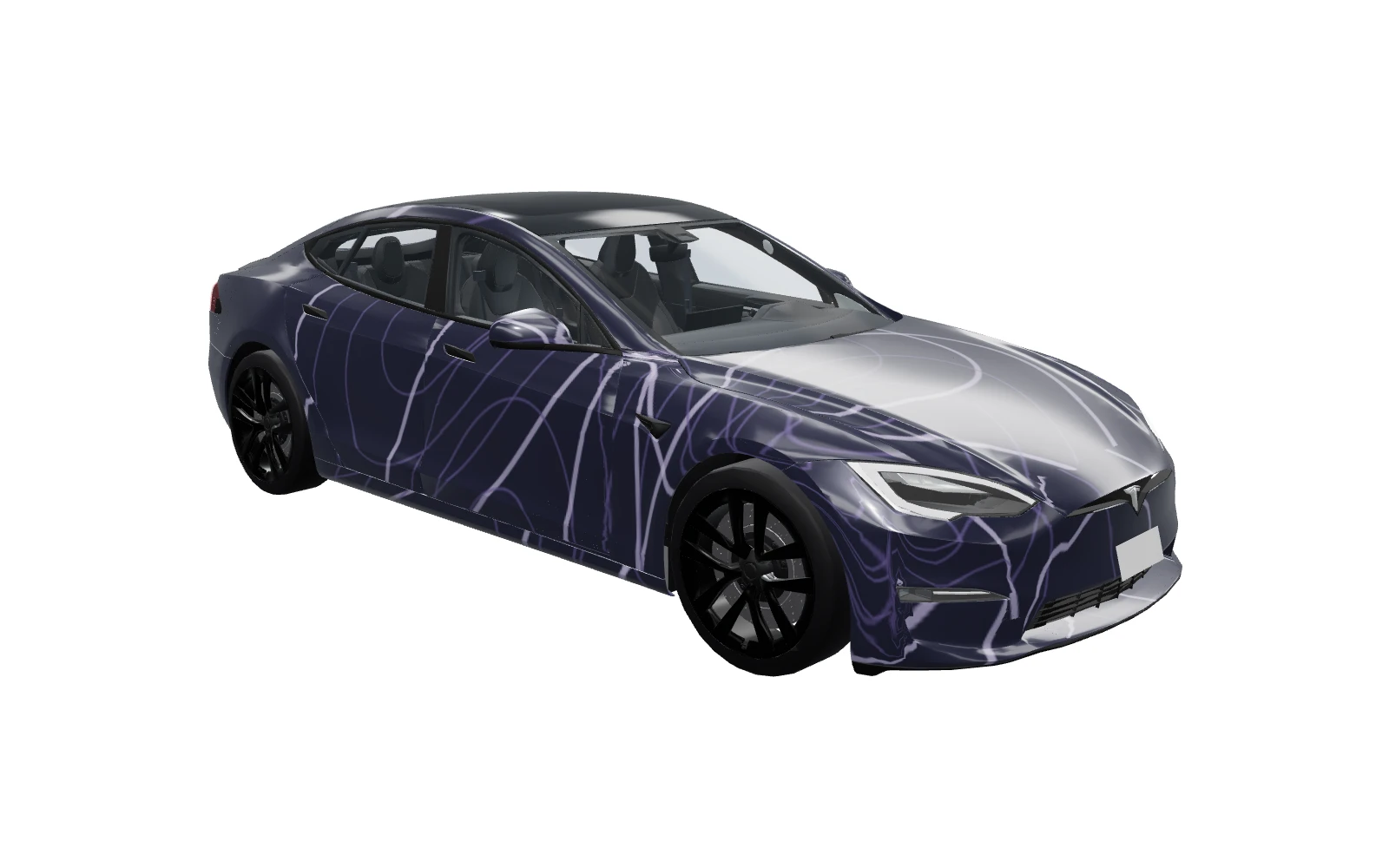
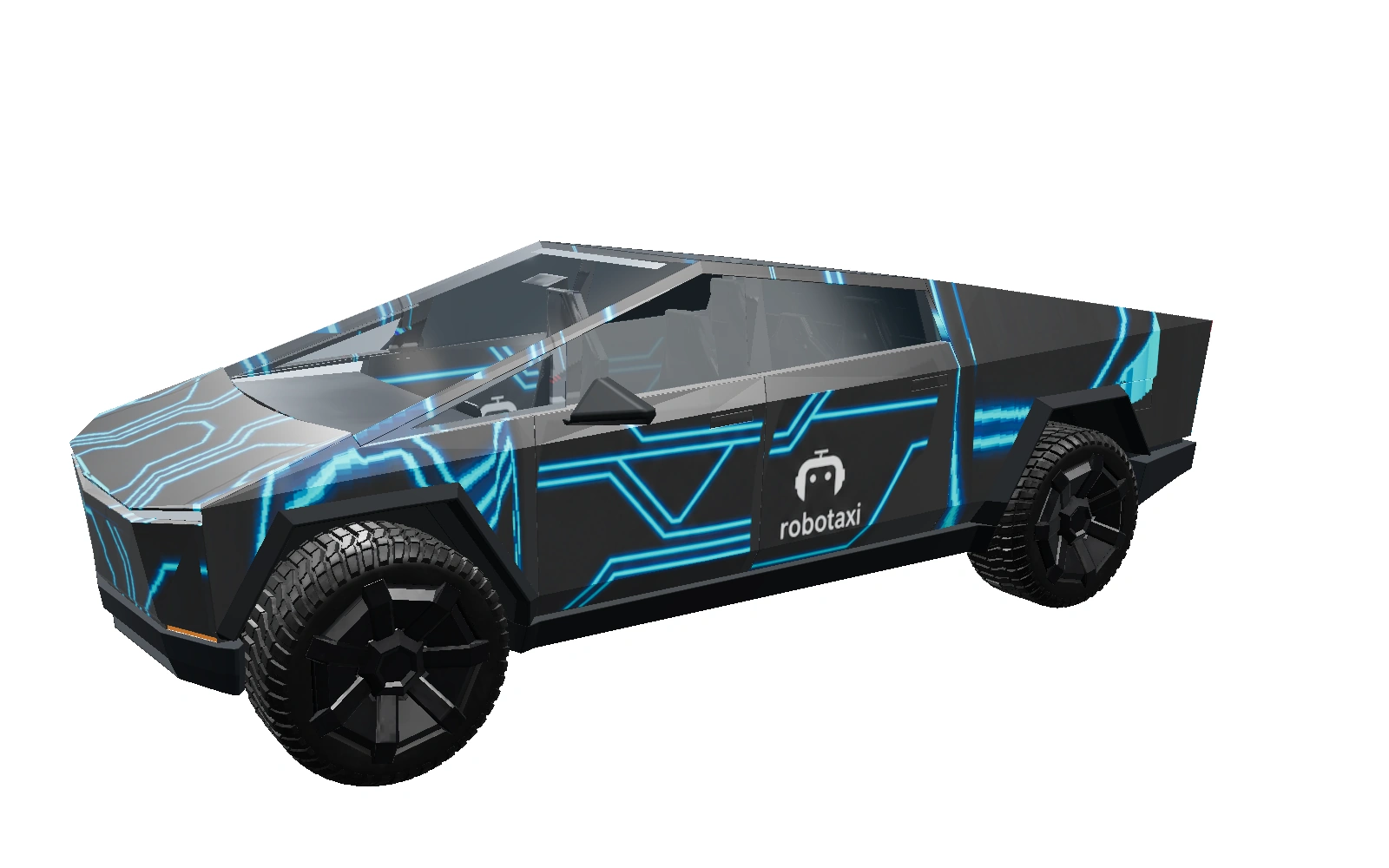
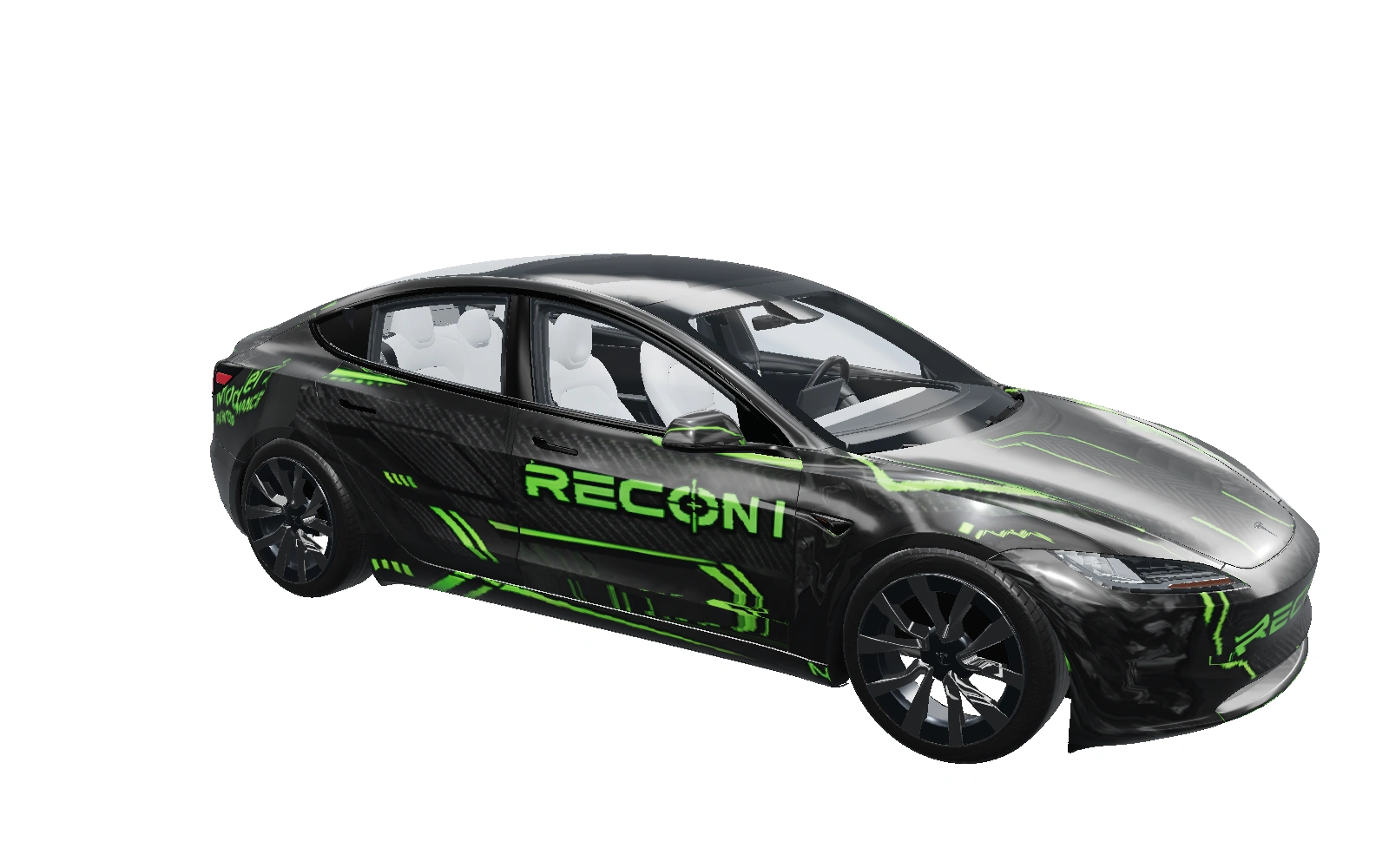
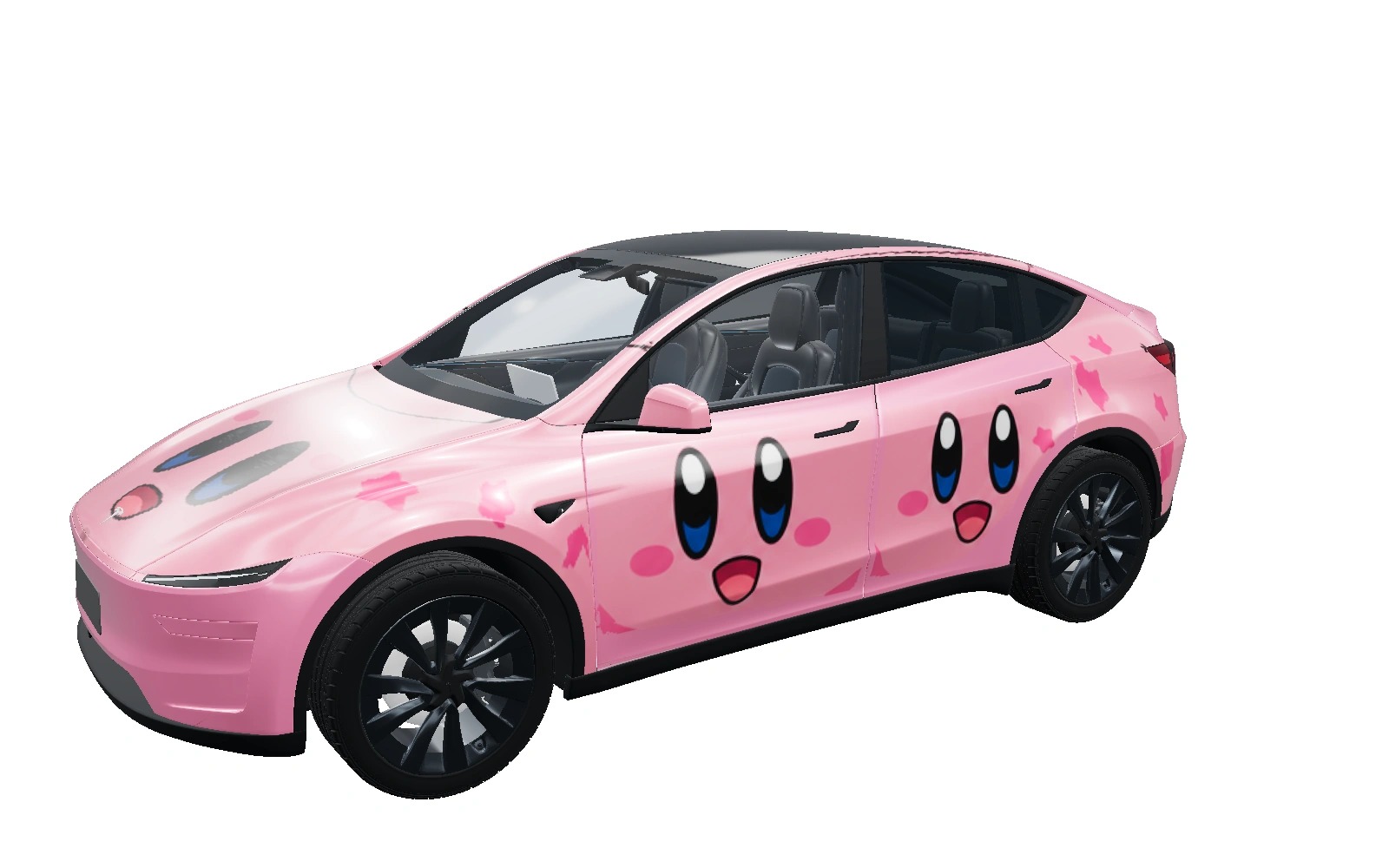
Choose your Tesla
Select your model, generation and variant. Start with the matching official template.
Create digital wraps for your Tesla’s touchscreen.
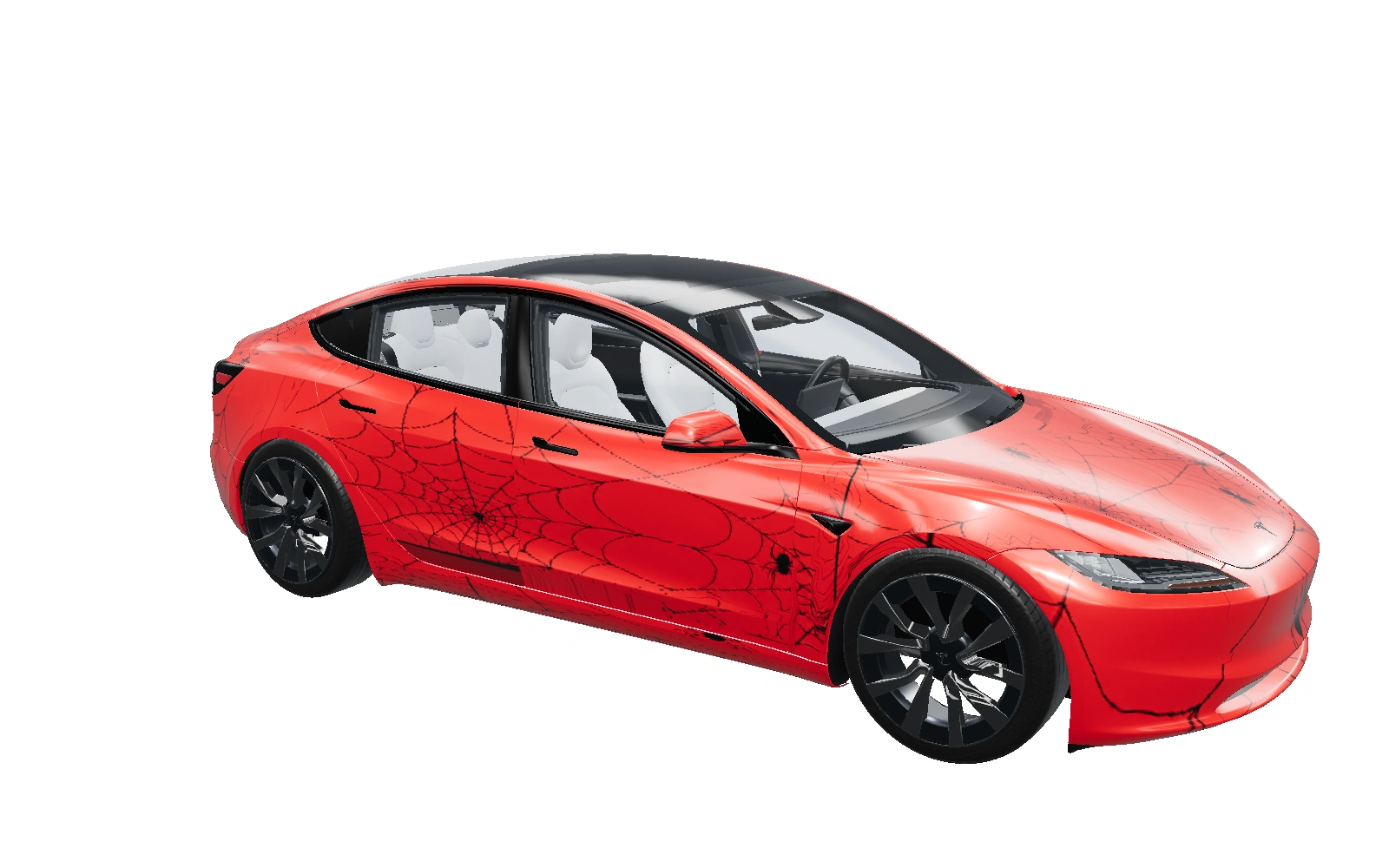
The garage collection
A fresh look from the community.
Finding today’s featured wrap…
Three simple steps. Plenty of room to make it yours.
Select your model, generation and variant. Start with the matching official template.
Upload artwork or choose a pattern. Adjust the color, fit and placement in the studio.
Explore the look, export your PNG, then check it on your Tesla’s touchscreen.
Scarlet — Spiderweb · Model 3Designed around your ideas
Keep your original artwork. Explore the possibilities with tools that put you in control.
Auto fit, move, rotate, crop, and mirror. Fine-tune as much as you like.
Switch between artwork, the official layout, and an experimental 3D preview.
Save a private project, or share a design with the community.
The finishing touch
Download the PNG and transfer it through the Tesla app on supported vehicles, or use a compatible USB drive. Open Paint Shop in your vehicle and check the result.
Read the transfer guideOfficial template dimensions. PNG format. Under 1 MB.
Availability depends on your vehicle and software.
Confirm orientation and panel placement before applying.
No. These designs personalize the vehicle visualization on your Tesla’s touchscreen. They are digital PNGs, not print-ready vinyl templates.
Upload artwork, create patterns, adjust placement, save projects, and download or manually remix community wraps. No payment is needed for these tools.
AI generation is currently unavailable. You can use uploads, patterns and manual editing for free. View pricing for the proposed AI credit packs; checkout is not connected.
Yes. Projects start private. Sign in and choose Public when you want to publish to the community. Switching back to Private removes the listing.
The 3D preview is a visual aid; mapping is still being calibrated. Use the official flat template and check orientation and panel placement on your Tesla before applying a design.
Your next design starts with an idea.